
Quick Takeaway:
- Most of a building’s life and operating cost comes after handover, yet most project BIM data is lost at handover.
- BIM for facility management means delivering an asset information model the FM team can use, not just a final Revit file.
- Define FM data requirements such as assets, attributes, and naming before design starts, not at closeout.
- COBie is a widely used format in the US for handing over equipment, space, and maintenance data.
- Connect model data to the CMMS or CAFM system instead of expecting technicians to open Revit.
- Existing buildings can get an FM-ready model through laser scanning or CAD-to-BIM conversion.
- Update the model after every renovation, or it quickly stops being trusted.
On handover day, most owners receive boxes of O&M manuals, a drive full of PDFs, and a Revit model nobody on the facilities team can open. Six months later, a technician is on a ladder searching for a shutoff valve that is documented somewhere on page 214 of a binder.
That gap is expensive. A NIST study estimated that inadequate interoperability cost the US capital facilities industry $15.8 billion a year, and owners and operators carried $10.6 billion of that cost. A large part of it comes from information that was created during design and construction and then lost or recreated later.
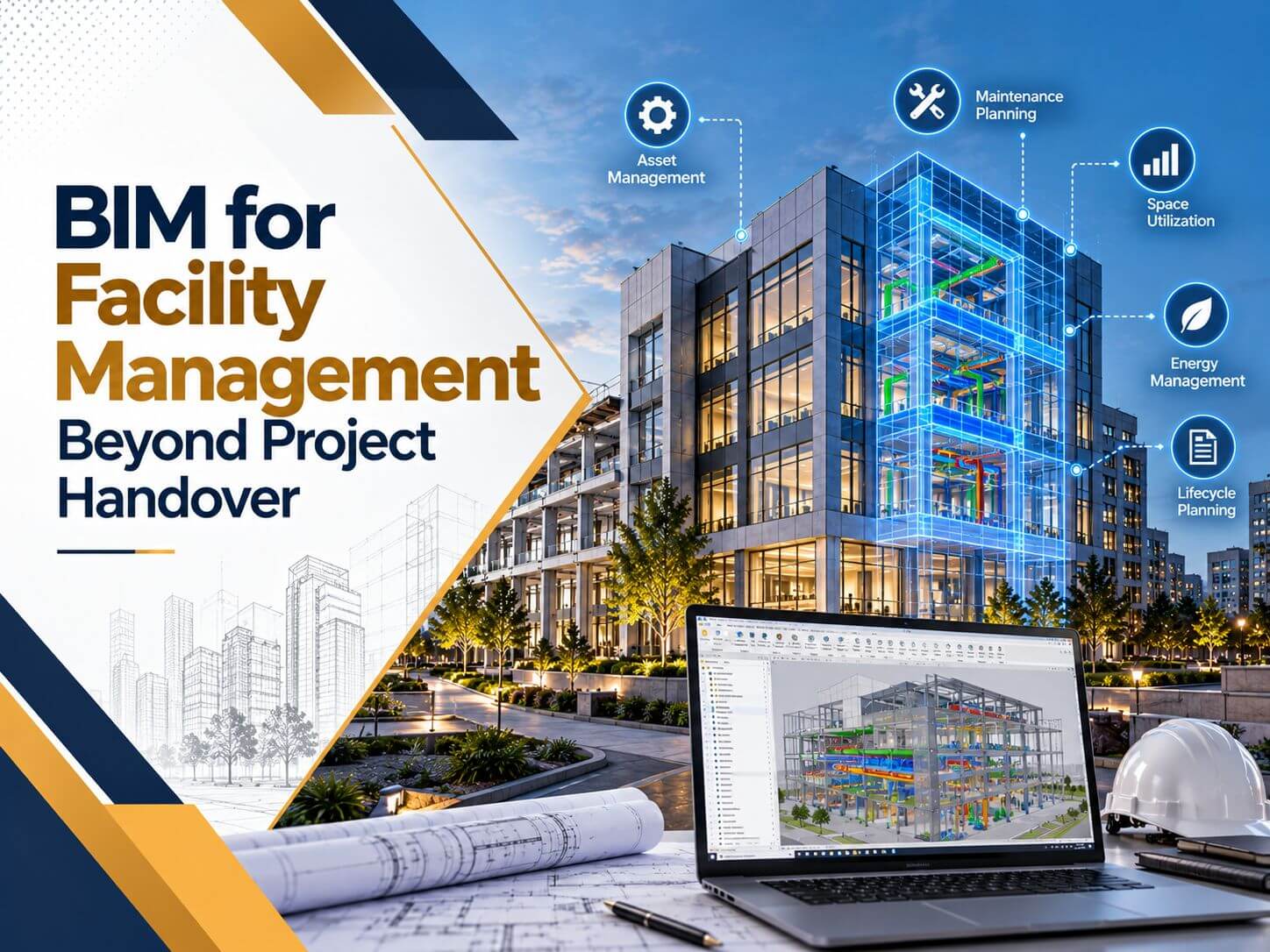
BIM for facility management closes that gap. This guide explains what FM teams actually need from a BIM model, how to plan for it before handover, how COBie fits in, and how existing buildings without models can catch up.
What BIM for Facility Management Means
BIM for facility management is the use of building information models and their data to operate, maintain, and manage a building after construction. Instead of starting from paper, the FM team starts with a digital record of every space, system, and major asset.
ISO 19650 describes this shift clearly. During design and construction, the team builds a Project Information Model. At handover, the information the owner needs becomes the Asset Information Model, which is maintained and used throughout operations. ISO 19650-3 focuses specifically on the operational phase.
The important word is “needs”. An FM model is not the construction model with every bolt and hanger. It is a curated set of geometry and data that supports maintenance, space management, and future projects.
Why BIM Data Gets Lost at Handover
Most teams do build good models during construction. The data still disappears for predictable reasons:
- FM requirements were never defined: Nobody told the design team which assets and attributes the owner needed.
- The model was built for drawings, not assets: Equipment exists as geometry but carries no tags, serial numbers, or maintenance data.
- Field changes were not captured: The final model shows the design, not what was installed.
- The format does not match the owner’s systems: The FM team cannot import an RVT file into their maintenance software.
- Nobody owns the model after turnover: Without a custodian, the first renovation makes it outdated.
What FM Teams Actually Need from a BIM Model
Facility managers rarely care about wall layers or door hardware details. They care about finding, maintaining, and replacing assets. A practical FM model focuses on this data:
| Data Type | Example | Used For |
|---|---|---|
| Asset identity | Tag AHU-01, manufacturer, model and serial number | Work orders and replacements |
| Location | Building, level, room and zone | Finding equipment quickly |
| Maintenance | Preventive maintenance interval, warranty start and end dates | Planned maintenance schedules |
| Systems | Which air handler serves which zones, which valve isolates which branch | Shutdowns and troubleshooting |
| Spaces | Room names, numbers, areas, occupancy and department | Space planning and lease management |
| Documents | Linked O&M manuals, submittals and test reports | Repairs and audits |
Geometry still matters, but accuracy matters more than detail. A field-verified model at LOD 500 with the right asset data is far more useful to FM than a highly detailed model that does not match what was built.
How COBie Helps Hand Over Asset Data
COBie (Construction Operations Building Information Exchange) is a structured format for delivering building asset information to owners. It is part of NBIMS-US, was originally created for US federal projects and is now requested by many public owners, universities, and healthcare systems.
COBie organizes data into linked tables such as Facility, Floor, Space, Zone, Type, Component, System, Spare, Job, and Document. It can be delivered as a spreadsheet or as an IFC-based file, which makes it readable by most maintenance and facility software.
The key is collecting COBie data during the project. When equipment submittals are approved, their data goes into the model. When equipment is installed, serial numbers and install dates are added. Trying to build COBie in the last two weeks of a project is how incomplete handovers happen.
Planning BIM for facility management?
From BIM consulting on FM data requirements to as-built Revit models and COBie-ready asset data, BIMPRO helps owners and contractors deliver models that work after handover. Share your project details and get a quote within 24 hours.
Call +1 (346) 508-6588 | Email info@bimprous.com | Contact Us
How to Plan BIM for Facility Management Before Handover
The best FM models are planned at the start of a project, not rescued at the end. A practical sequence looks like this:
- Define owner information requirements: List which asset types the FM team manages, which attributes each one needs, and how assets should be named and classified, for example using OmniClass or Uniformat.
- Put requirements in the contract and BEP: If FM data is not in the scope, it will not be delivered.
- Set up shared parameters and a CDE: Use the same parameter names across every discipline model and manage files in a common data environment (CDE) so the latest data is always in one place.
- Collect data during construction: Capture product data at submittal approval and installation data at installation.
- Verify the as-built condition: Use field checks or laser scanning in key areas so the record model matches reality.
- Test the import before turnover: Load a sample of the data into the owner’s CMMS or CAFM system before the final handover date.
Owners who do not have an internal BIM team often bring in BIM Consulting Services to write these requirements, review deliverables during the project, and check the final handover package.
Connecting BIM to CMMS, CAFM and BMS Systems
- CMMS (Computerized Maintenance Management System) receives asset lists and maintenance data for work orders and preventive maintenance.
- CAFM or IWMS platforms receive space and occupancy data for move planning, space charges, and lease management.
- BMS (Building Management System) data can be linked to model elements so live readings from equipment appear in context.
- Web and tablet viewers let technicians open a lightweight 3D view of a room or ceiling space without a Revit license.
BIM for Facility Management in Existing Buildings
Most buildings in operation today were designed long before BIM. They can still benefit from it, and the model does not need to cover everything on day one.
Scan the building when drawings are missing or unreliable: Laser scanning captures the real geometry of spaces, structure and visible MEP systems. Point cloud conversion services then turn that scan data into an accurate Revit model.
Convert drawings when they are reliable: If the owner has trustworthy CAD files, CAD to BIM modeling services can build the model faster and at lower cost, with targeted scans only where accuracy is critical.
Model what FM needs first: Start with spaces, major mechanical and electrical equipment, distribution mains, and life safety devices. Add more detail later as renovations happen. Professional 3D BIM Modeling Services can build the model to an FM-focused scope rather than a full construction scope, which keeps cost under control.
Real Uses of BIM After Handover
- Emergency response: teams can find shutoff valves, electrical panels, and isolation points quickly.
- Space management: room data supports move planning, occupancy studies, and space charges.
- Renovation planning: designers start from an existing conditions model instead of field measuring again.
- Capital planning: equipment age and condition data helps owners budget replacements years in advance.
- Life safety inspections: fire dampers, extinguishers, and alarm devices can be located and tracked for inspections.
- Energy and sustainability reporting: equipment and space data supports energy audits and retrofit studies.
Keeping the FM Model Alive
- Assign a model custodian, internal or external, who controls changes.
- Require every renovation project to return an updated model and asset data.
- Keep version history so older conditions can still be referenced.
- Audit the model against the building on a regular cycle, for example, once a year for critical systems.
Frequently Asked Questions About BIM for Facility Management
What is BIM in facility management?
What is COBie in BIM?
What LOD is needed for facility management?
Can BIM be used for an existing building with no drawings?
Do facility teams need Revit to use BIM?
Who should update the BIM model after handover?
Want a BIM model your facility team can actually use?
Tell us about your building, existing drawings, or scan data. We will recommend the right scope and share a quote within 24 hours for BIM consulting, Scan to BIM, or CAD to BIM services.
Call +1 (346) 508-6588 | Email info@bimprous.com | Contact Us
Make Your BIM Model Work Beyond Handover

Jinisha P
inSALES MANAGER
Jinisha Patel is a Sales Manager at BIMPRO LLC with hands-on industry exposure to BIM, Revit, and digital construction workflows. Working closely with AEC firms and project teams has given her a strong understanding of BIM coordination, multidisciplinary collaboration, project requirements, and emerging construction technologies. She writes to turn complex BIM concepts and industry developments into practical insights for AEC professionals.
Contact BIMPRO LLC
