
Quick Takeaway:
- A point cloud is a set of millions of measured points. It shows surfaces but has no walls, doors, or pipes until someone models them.
- The workflow has five broad stages: planning, scanning, processing, modeling, and checking.
- LOD describes how much detail a model element has. LOA describes how accurately it matches the real building.
- Scans from different positions must be registered, or stitched together, before they can be used.
- Revit reads point clouds in RCP and RCS formats, so other scan formats are converted in Autodesk ReCap first.
- Real buildings are rarely straight or level, so teams must decide how to model walls that lean and floors that slope.
- The final step compares the model with the point cloud to confirm it is accurate.
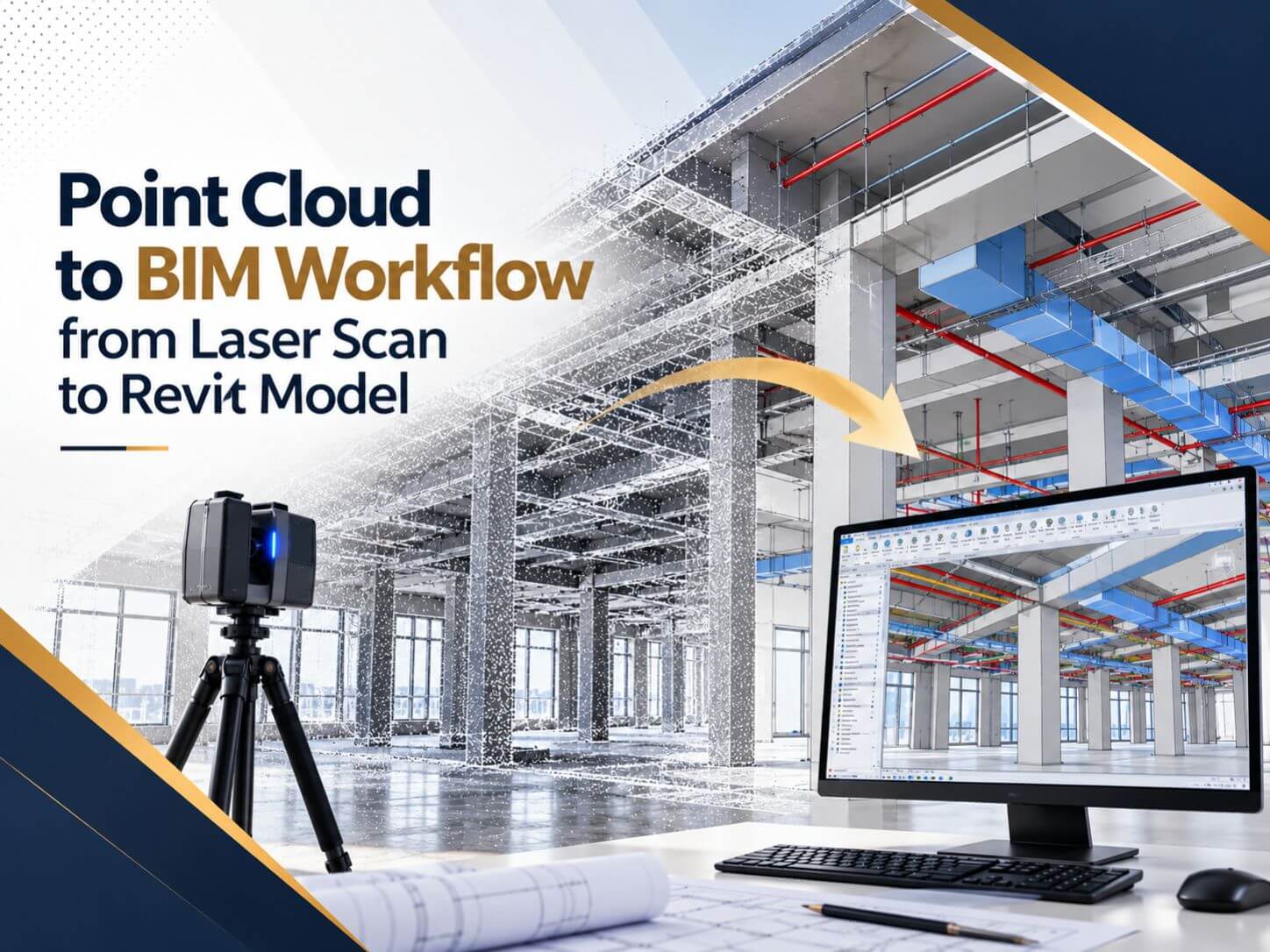
Walk into an old warehouse with a laser scanner, and twenty minutes later you have a 3D picture of the space made of millions of tiny dots. It looks like a model. It is not one yet.
A point cloud records where surfaces are, but it does not know that one cluster of dots is a steel beam and another is a duct. Turning those dots into a Revit model, where every wall, beam, and pipe is a real object with dimensions and data, is what the point cloud to BIM workflow is about.
This article walks through that workflow in plain terms. It explains what happens at each stage, why each step matters, and which decisions shape the quality of the final model. If you want the basics first, read our earlier article on what point cloud to BIM is and how it reduces project risks.
What Is a Point Cloud and Why Does It Need a Workflow?
A point cloud is a collection of measured points in 3D space. Each point has X, Y, and Z coordinates, and many also store color or reflectivity. A single building scan can contain hundreds of millions of points.
That data is accurate, but it is “dumb”. You can measure the distance between two points, yet you cannot schedule the doors, calculate wall areas, or check a new duct for clashes. For that, you need a BIM model, where elements are intelligent objects.
Going from one to the other involves several distinct steps, done by different people with different tools. Each step passes its result to the next. If one step is rushed or skipped, the error travels all the way to the finished model. That chain of dependent steps is why people talk about a workflow rather than a single task.
The Five Stages of the Point Cloud to BIM Workflow
| Stage | What Happens | Result |
|---|---|---|
| 1. Planning | The team decides what will be modeled and how accurate it must be | A written scope with LOD and LOA |
| 2. Scanning | Laser scanners capture the building from many positions | Raw scan files |
| 3. Processing | Scans are stitched together, cleaned and converted | One registered point cloud |
| 4. Modeling | Modelers build Revit elements on top of the point cloud | An as-built BIM model |
| 5. Checking | The model is compared with the point cloud for accuracy | A verified model ready to use |
Stage 1. Planning Starts Before Anyone Scans
LOD, or how much detail the model has
LOA, or how accurate the model is
Level of Accuracy (LOA) describes how closely the data and the model match the real building. The USIBD LOA Specification defines bands such as LOA20 (15 mm to 5 cm), LOA30 (5 mm to 15 mm) and LOA40 (1 mm to 5 mm), at a 95 percent confidence level. An office fit-out may only need LOA20, while a tight mechanical retrofit may need LOA30 or better in key rooms.
Planning also covers practical questions. Which floors are included? Will ceiling tiles be removed so the scanner can see above them? Is furniture modeled or ignored? Answering these early keeps everyone working toward the same result.
Stage 2. How a Laser Scanner Captures a Building
A terrestrial laser scanner sits on a tripod and spins, sending out laser pulses and measuring how long each one takes to bounce back. From thousands of these measurements per second, it builds a dense picture of everything in its line of sight.
Because the scanner only sees what is visible from one spot, operators move it to many positions around the building, with enough overlap between scans to join them later. Larger sites may also use handheld or mobile scanners for speed, and drones for roofs and exterior areas. Our article on 3D laser scanning explains the main scanning technologies in more detail.
One important limitation: scanners cannot see through walls or closed ceilings. Anything hidden at the time of scanning will not be in the point cloud.
Stage 3. Turning Raw Scans into One Usable Point Cloud
Stage 4. How Modelers Build the Revit Model from the Point Cloud
Setting the foundation
Modeling in a logical order
Most teams work from the structure outward: levels and grids, then columns, beams and slabs, then walls, floors, roofs, doors and windows, and finally mechanical, electrical and plumbing systems. Each layer depends on the one before it. Teams offering Revit Modeling Services also create custom Revit families when the existing equipment or details do not match standard components.
Dealing with real buildings
Have laser scan data that needs to become a Revit model?
BIMPRO turns point clouds in RCP, RCS, E57, and LAS formats into accurate Revit models from LOD 100 to LOD 500. Learn more about our point cloud to BIM services or share your project for a quote within 24 hours.
Call +1 (346) 508-6588 | Email info@bimprous.com | Contact Us
Stage 5. How Teams Check the Model Against the Point Cloud
A model can look correct in a 3D view and still be several inches off in places that matter. Checking closes that gap.
- Section checks cut through the model and point cloud together to compare walls, slabs, and beams side by side.
- Deviation analysis measures the distance between model surfaces and the point cloud and shows differences as a color map, so areas outside tolerance stand out.
- Scope checks confirm that everything in the plan was modeled and nothing important was missed.
Only after these checks is the model ready to support design, coordination, or facility management.
What Files Come Out at the End?
- RVT, the native Revit file, for architects and engineers working in Revit.
- IFC, an open format for teams using other BIM software.
- NWC, for clash detection and coordination in Navisworks.
- DWG, for plans, sections, and elevations used by teams still working in 2D.
Can Point Clouds and Old CAD Drawings Work Together?
Yes, and on many projects they should. Scans show what is visible today. Old drawings may show what is hidden, such as conduits inside walls or foundation details. Using the scan for true geometry and the drawings for concealed elements often gives the most complete model.
When existing drawings are reliable and only a few areas need checking, teams sometimes use CAD to BIM Conversion Services for most of the building and scan only critical spaces like plant rooms and shafts.
Common Mistakes in the Point Cloud to BIM Process
- Skipping the planning stage: Without an agreed LOD and LOA, no one knows the required detail or accuracy until problems appear.
- Scanning with ceilings closed: If above-ceiling systems are part of the project, the scanner cannot capture them unless ceiling tiles are removed.
- Ignoring registration quality: Poorly aligned scans lead to a model built on inaccurate data.
- Mixing coordinate systems: When the scan, the survey and the model use different coordinates, nothing lines up correctly.
- Modeling more detail than needed: Extra detail adds time and cost without adding value to the project.
Frequently Asked Questions About the Point Cloud to BIM Workflow
What is the point cloud to BIM workflow?
What is the difference between a point cloud and a BIM model?
What file formats can Revit use for point clouds?
What is the difference between LOD and LOA?
Can hidden MEP systems be modeled from a point cloud?
How long does the point cloud to BIM process take?
Planning a Scan to BIM project?
Share your point cloud data or project scope with our team and get a quote within 24 hours for point cloud to BIM services, CAD to BIM or Revit modeling.
Call +1 (346) 508-6588 | Email info@bimprous.com | Contact Us
Final Thoughts on the Point Cloud to BIM Workflow
The point cloud to BIM workflow depends on clear planning, accurate scanning, careful data processing, disciplined modeling, and thorough quality checks. When each stage is completed properly, the result is a reliable model that supports renovation design, coordination, and long-term building management.
As a BIM company in USA, BIMPRO helps project teams turn point cloud data into Revit models that support their project requirements. Whether you need point cloud to BIM conversion, CAD to BIM, or Revit modeling services, the right workflow helps your team work with accurate existing-condition information.

Jinisha P
inSALES MANAGER
Jinisha Patel is a Sales Manager at BIMPRO LLC with hands-on industry exposure to BIM, Revit, and digital construction workflows. Working closely with AEC firms and project teams has given her a strong understanding of BIM coordination, multidisciplinary collaboration, project requirements, and emerging construction technologies. She writes to turn complex BIM concepts and industry developments into practical insights for AEC professionals.
Contact BIMPRO LLC
